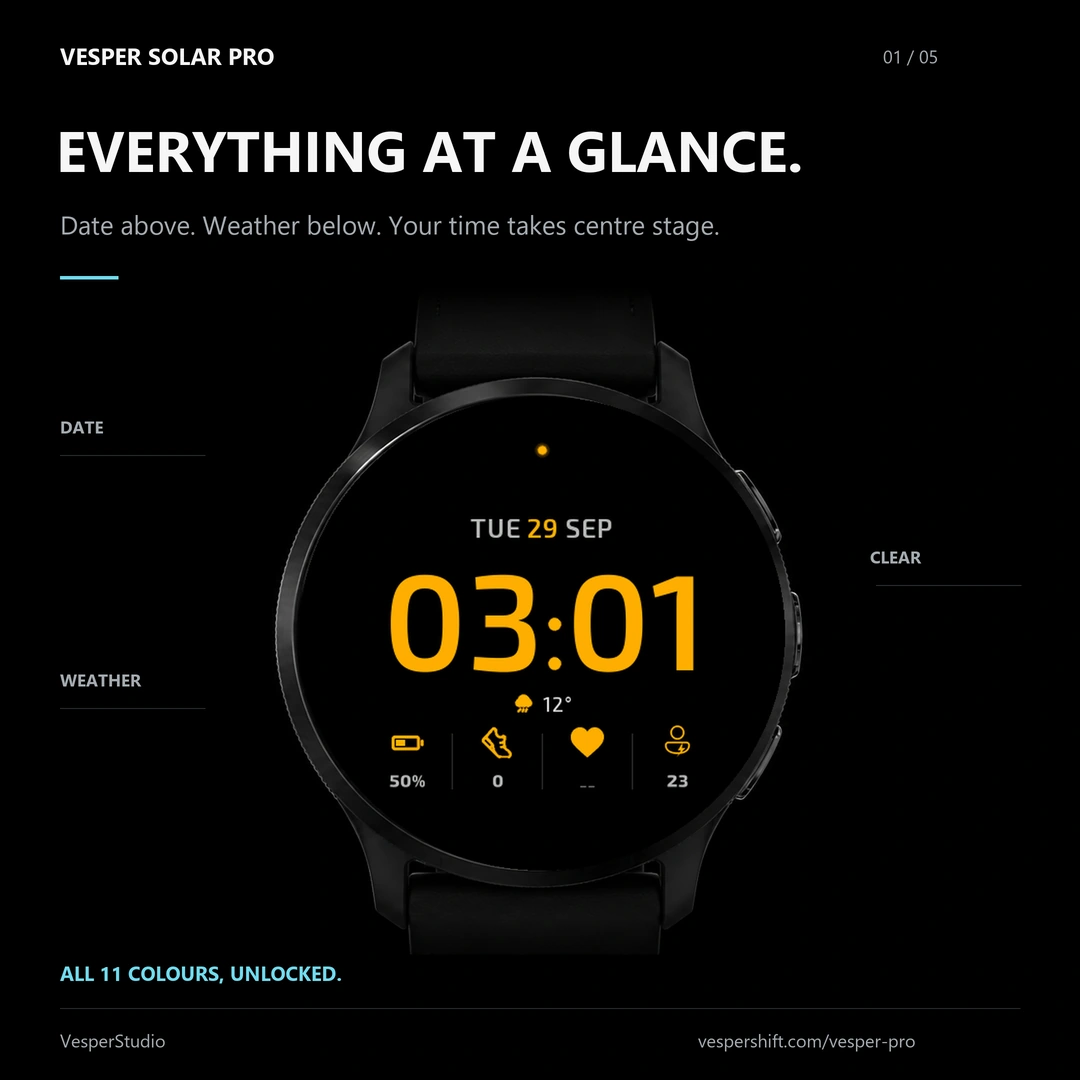
Everything at a glance.
The date sits above the time, the Garmin weather line just below it, and the four bottom slots show what you choose. The accent colour lights the time, the date and the icons.
VESPER SOLAR PRO
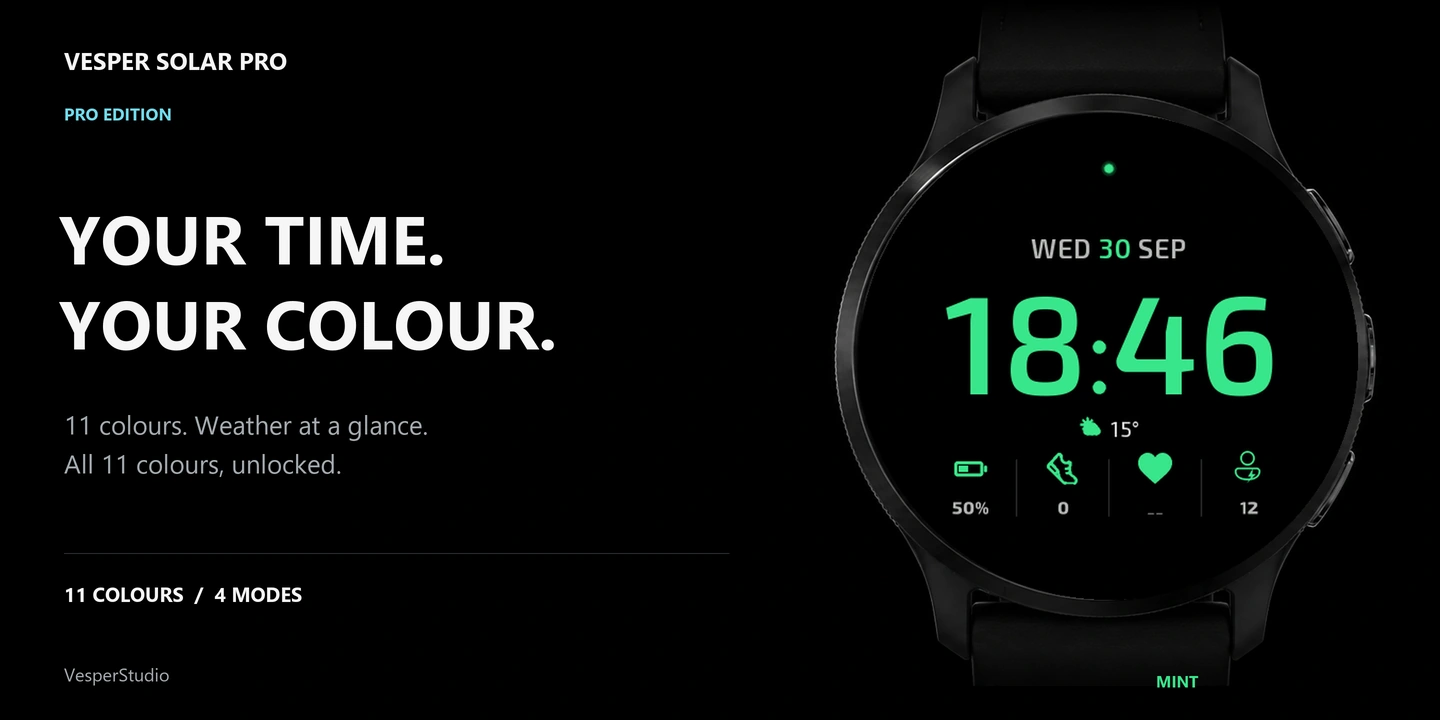
11 colours, 4 colour modes, your own data and the always-on style you prefer. One payment, no subscription.
11 colours, 4 colour modes, always-on your way. One payment, no subscription.
One payment · One licence per watch · No subscription
THE PAID EDITION
The same watch face, with every setting open. The free edition stays free; Pro is bought once, here, for one watch.
Every setting open. Bought once, for one watch.
One-time purchase
No subscription
ACTIVATION
Problem paying? vesperstudio22@gmail.com
FREE AND PRO
The free edition is the Vesper Solar watch face. Pro opens the settings that the free edition keeps fixed.
| Setting | Vesper Solar | Pro |
|---|---|---|
| Price | Free | €5.99 |
| Date above the time, Garmin weather below | ✓ | ✓ |
| Sunrise and sunset times, off by default | ✓ | ✓ |
| Time and date in always-on, anti-burn-in shift | ✓ | ✓ |
| Hide heart rate, hide the AM/PM indicator | ✓ | ✓ |
| 11 colours | — | ✓ |
| 4 colour modes: Fixed, Solar, Night red, Contrast | — | ✓ |
| The four bottom data slots, your choice | — | ✓ |
| Always-on style, your choice: outline, filled dim, filled bright (outline is free too) | — | ✓ |
| Hide complications, control the notification light | — | ✓ |
| “Vesper Pro” screen on the watch: code and QR | — | ✓ |
✓ included · — not included. One payment of €5.99 for one watch, no subscription, no account on this site.
The date sits above the time, the Garmin weather line just below it, and the four bottom slots show what you choose. The accent colour lights the time, the date and the icons.
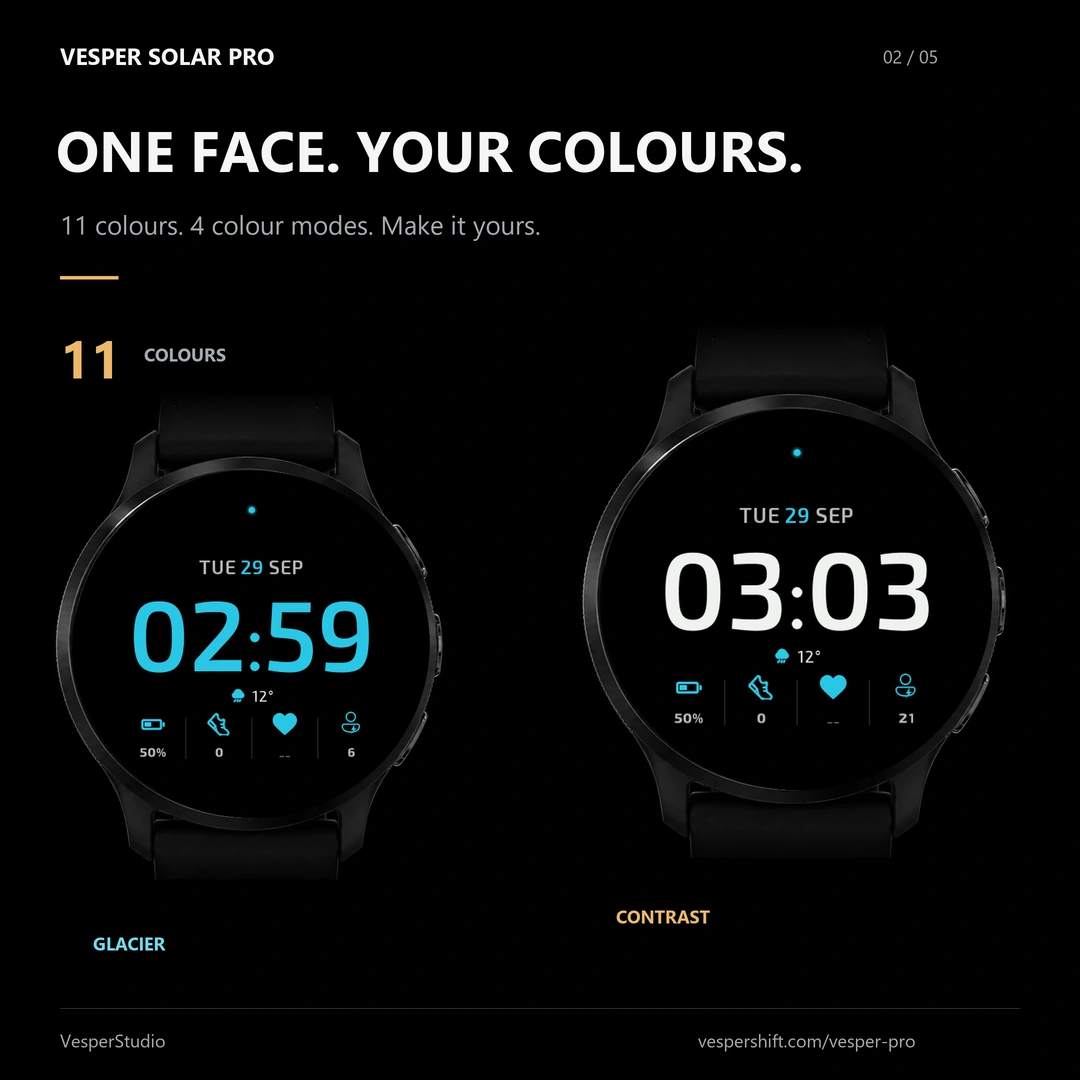
Eleven accent colours and four colour modes. Fixed keeps your colour, Solar follows the day, Night red turns the face deep red after sunset, Contrast plays white against the accent — the two faces shown here are Glacier and Contrast.
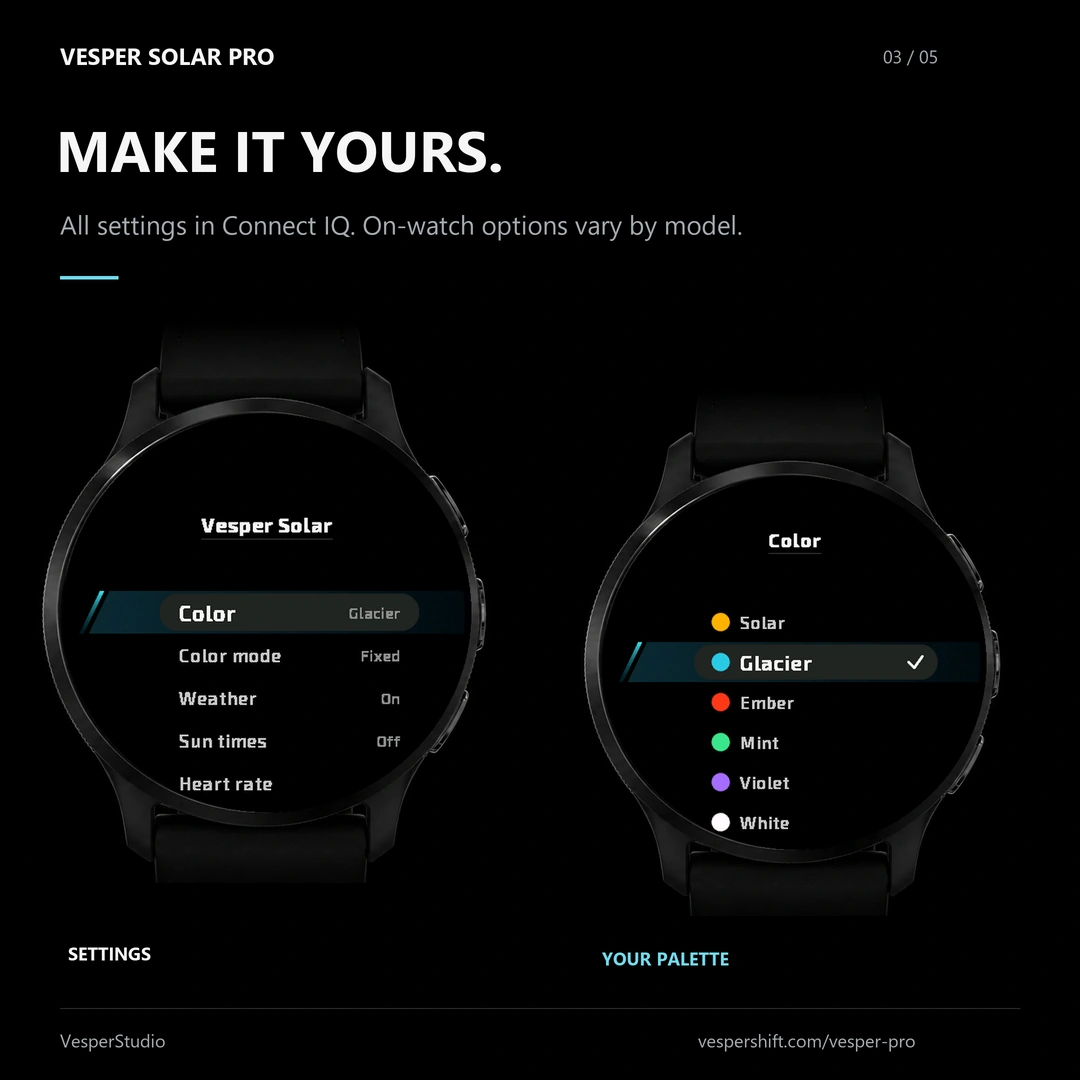
The native menu shows the colour, the colour mode, the weather line, the sun times and the heart rate; the palette lists Solar, Glacier, Ember, Mint, Violet and White. Everything is also in the Connect IQ app, and the on-watch options vary by model.
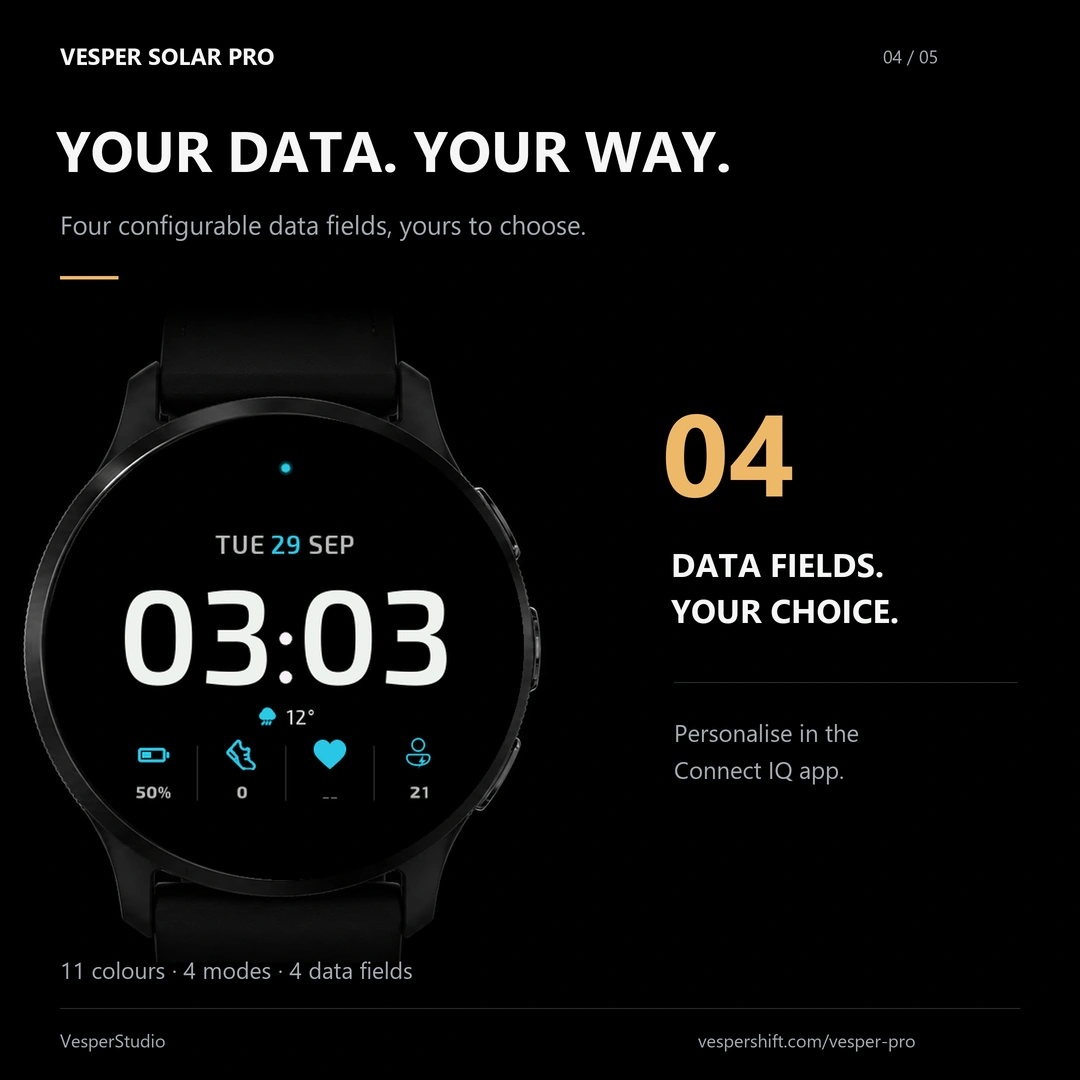
The four slots under the time are yours to set — calories, distance, floors, stress and more — in the Connect IQ app or through Customize on the watch. The face shown here is in Contrast mode.
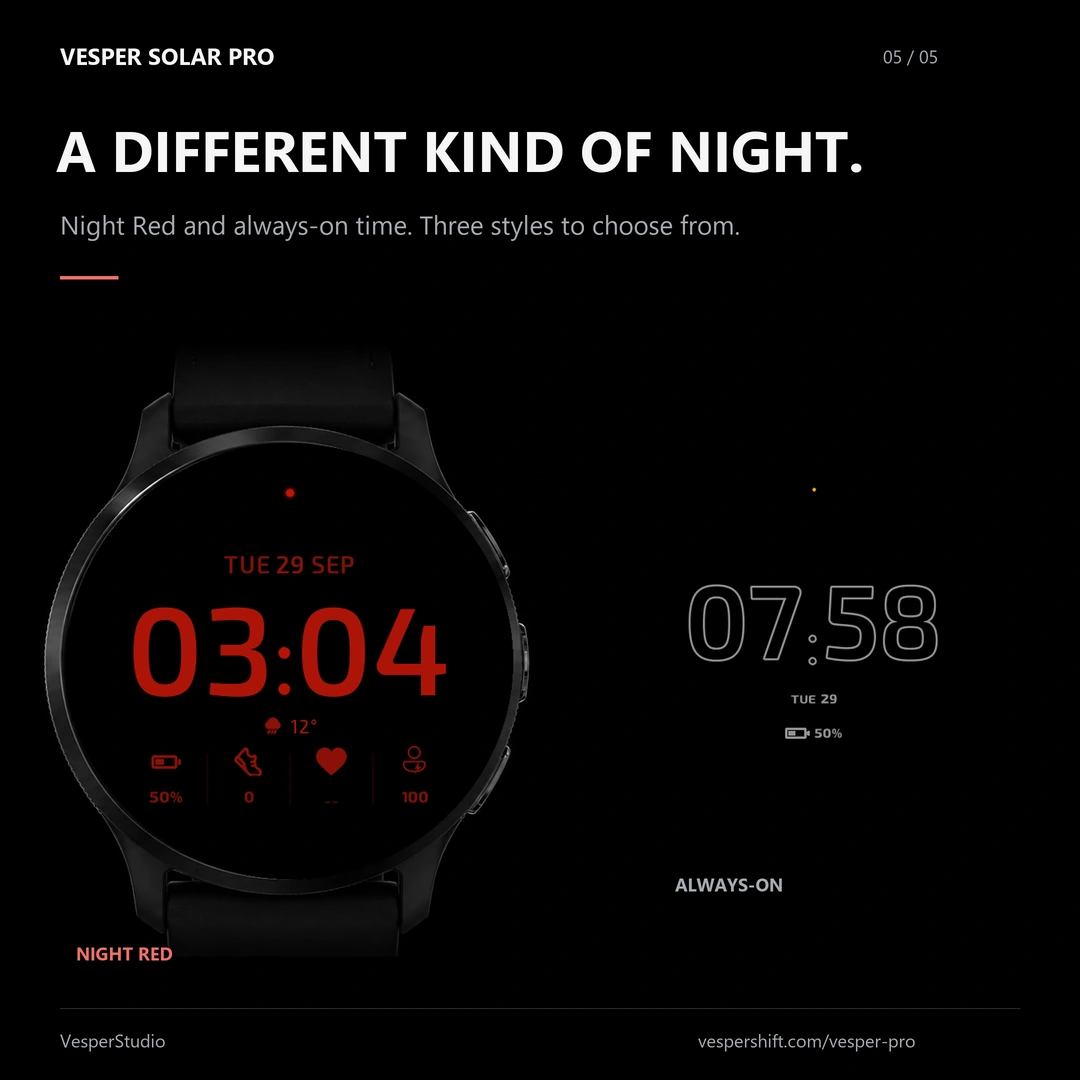
Night Red turns the face deep red 40 minutes after sunset. In always-on, choose outline, filled dim or filled bright digits, with the date and the anti-burn-in movement that protects the AMOLED screen.
On supported watches, open Vesper Solar in the Connect IQ settings. On the watch itself: long-press the face › Customize › Vesper Pro. The 8 characters and the QR code are shown there.
Keep your phone nearby with Garmin Connect open: the code appears within a few minutes of installing. Reopening the Vesper Pro screen starts the check again.
Usually under 5 minutes after payment, at the watch’s next sync. Reopening the Vesper Pro screen speeds up the check.
Earlier Pro keys stay valid. Paste yours in the watch face settings, in the Connect IQ app (Pro key field).
The same compatible round Garmin AMOLED watches as the free edition. Check your exact model on the Connect IQ listing.
Email us your Stripe receipt and the new code: we transfer the licence.
A random watch code, a hash of its access token, the Stripe payment identifiers and the licence status. Health data stays on your watch.
Vesper Pro · €5.99Pay €5.99