VesperStudio

VESPER SOLAR

Your time.
In solar amber.

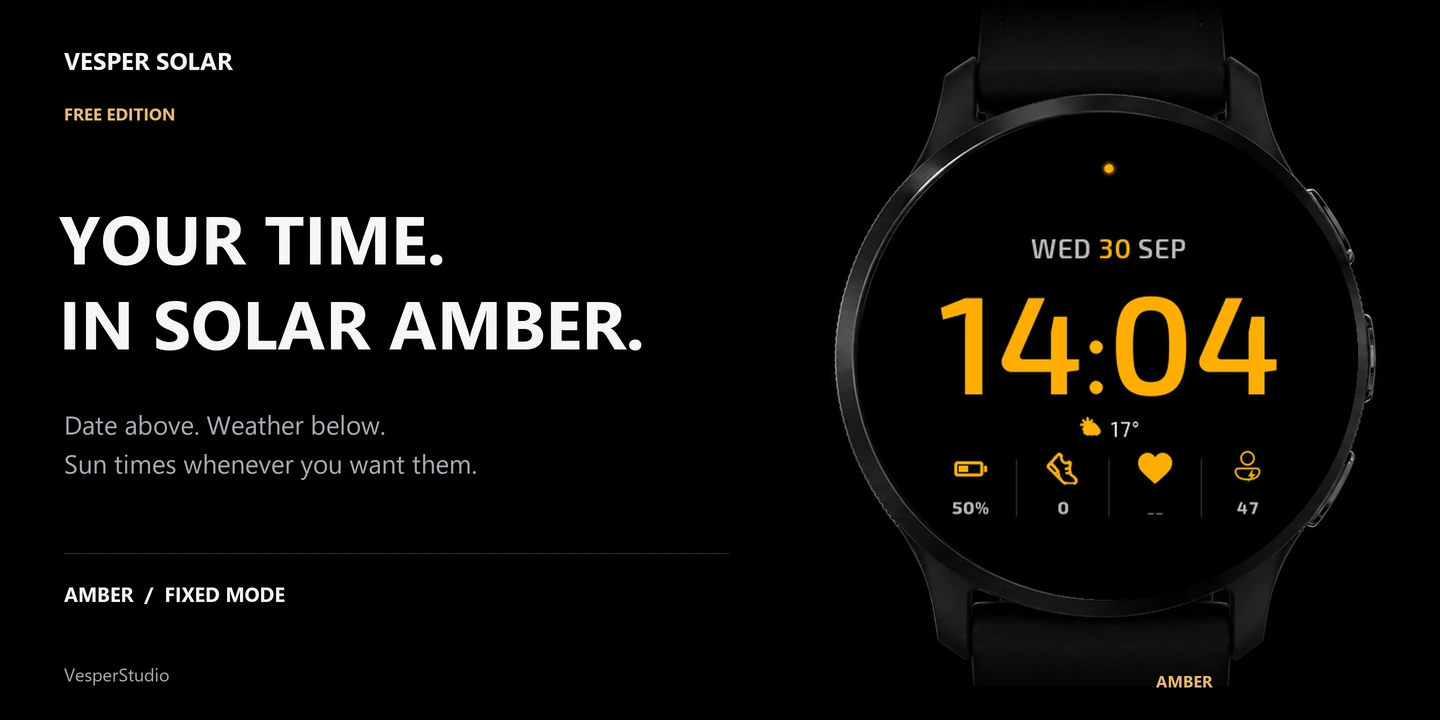
Date above the time. Garmin weather below. Sunrise and sunset when you want them.

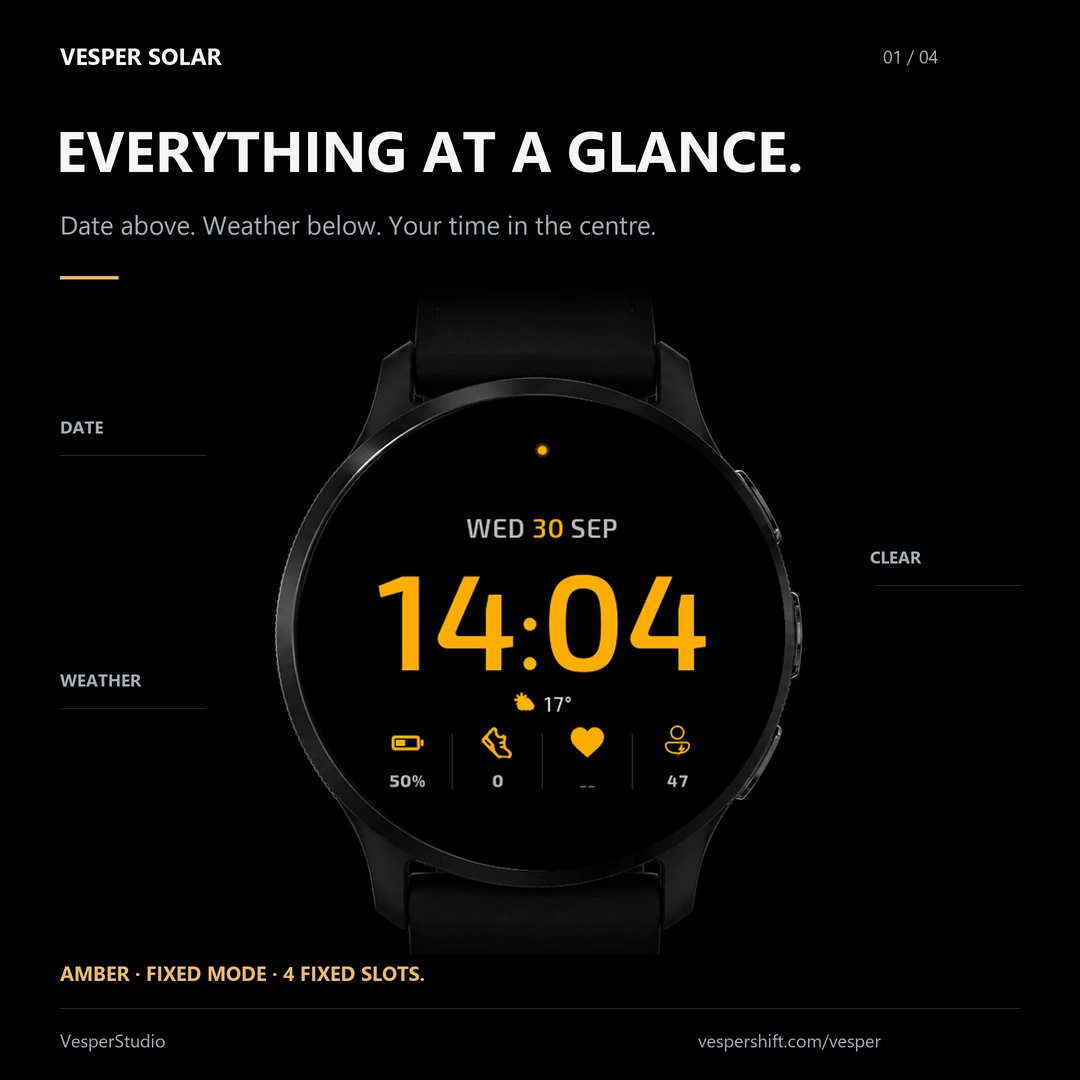
Vesper Solar, the free edition: the solar amber face in Fixed mode, the date above the time, the Garmin weather line below and four fixed slots — battery, steps, heart rate and Body Battery.

Check compatible Garmin watches · Free

Date above the time

Garmin weather, no GPS

Sunrise & sunset times

Time and date in always-on

Everything in one look.

01 / THE ESSENTIALS

Everything in one look.

The date sits above the time, the Garmin weather line just below it, and the four fixed slots at the bottom show the battery, your steps, your heart rate and Body Battery.

Amber only · Fixed mode · No GPS permission

The weather, shown or hidden.

02 / YOUR CHOICE

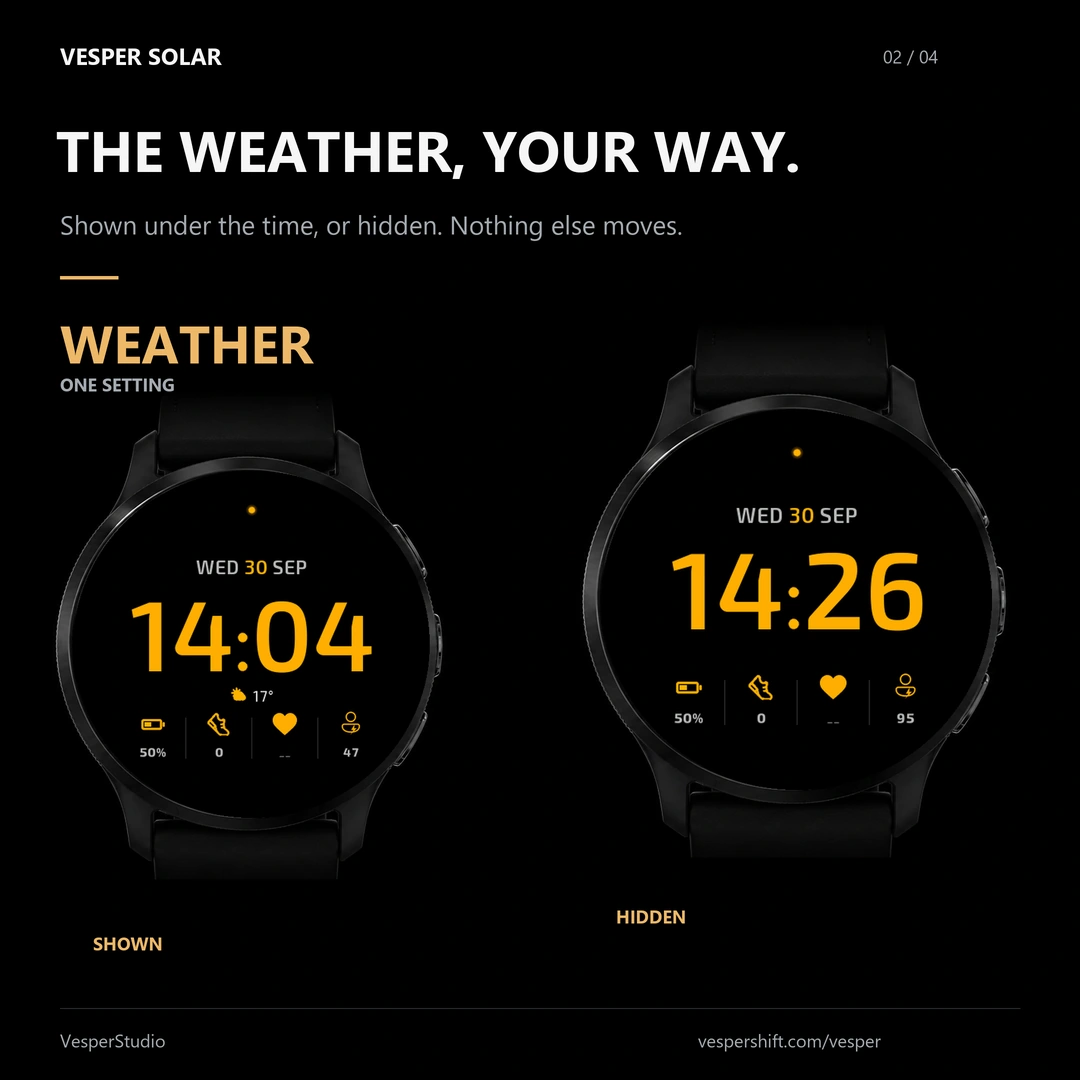
The weather, shown or hidden.

The weather line under the time is yours to keep or hide; the rest of the face does not move. The amber accent stays on the time, the date and the icons, and a small dot at the top glows when notifications are waiting.

Weather line · shown or hidden

Three lines, on the watch.

03 / YOUR SETTINGS

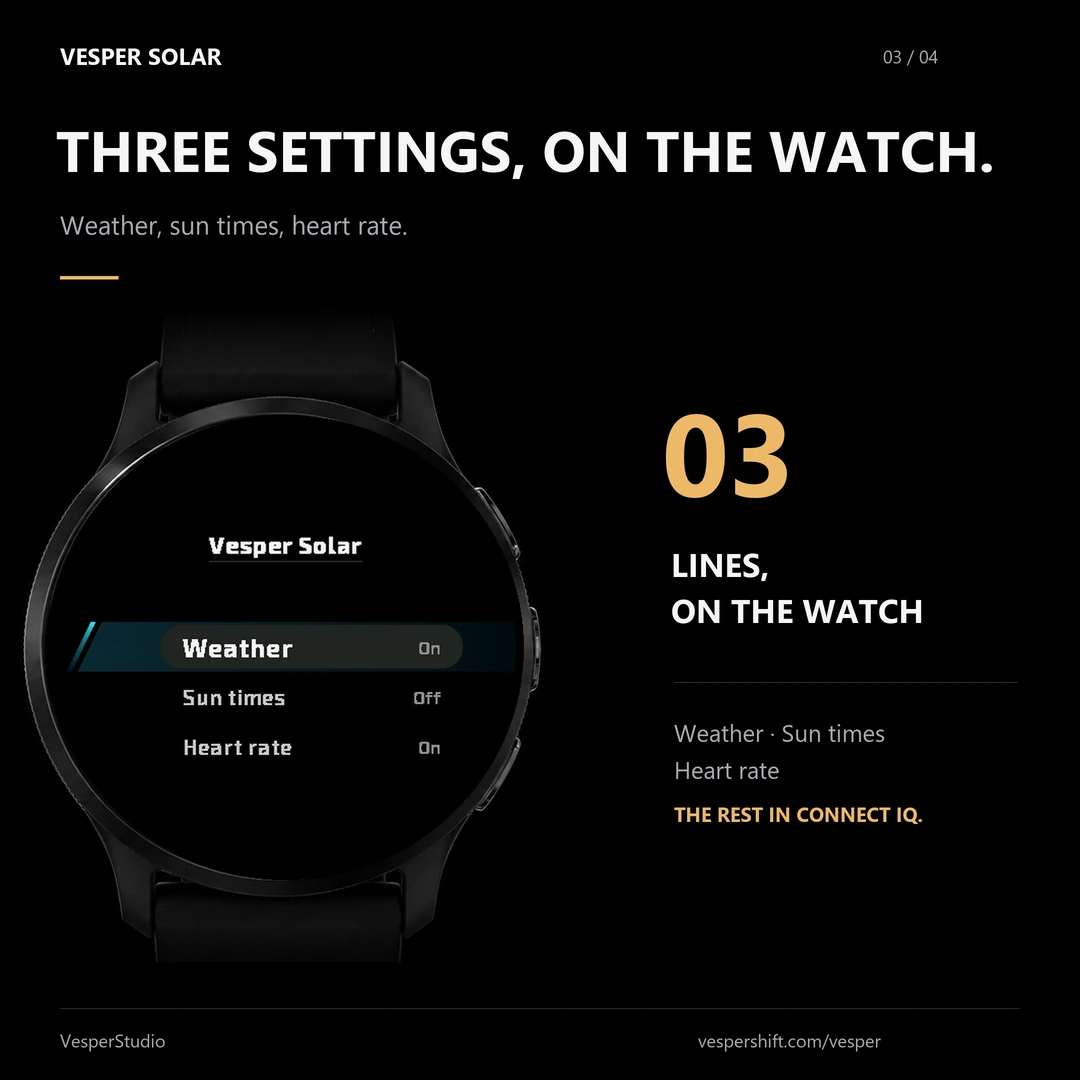
Three lines, on the watch.

The native menu on the watch shows exactly three settings: the weather, the sun times and the heart rate. Everything else is set in the Connect IQ app.

Sunrise and sunset: off by default

The time stays on.

04 / ALWAYS-ON

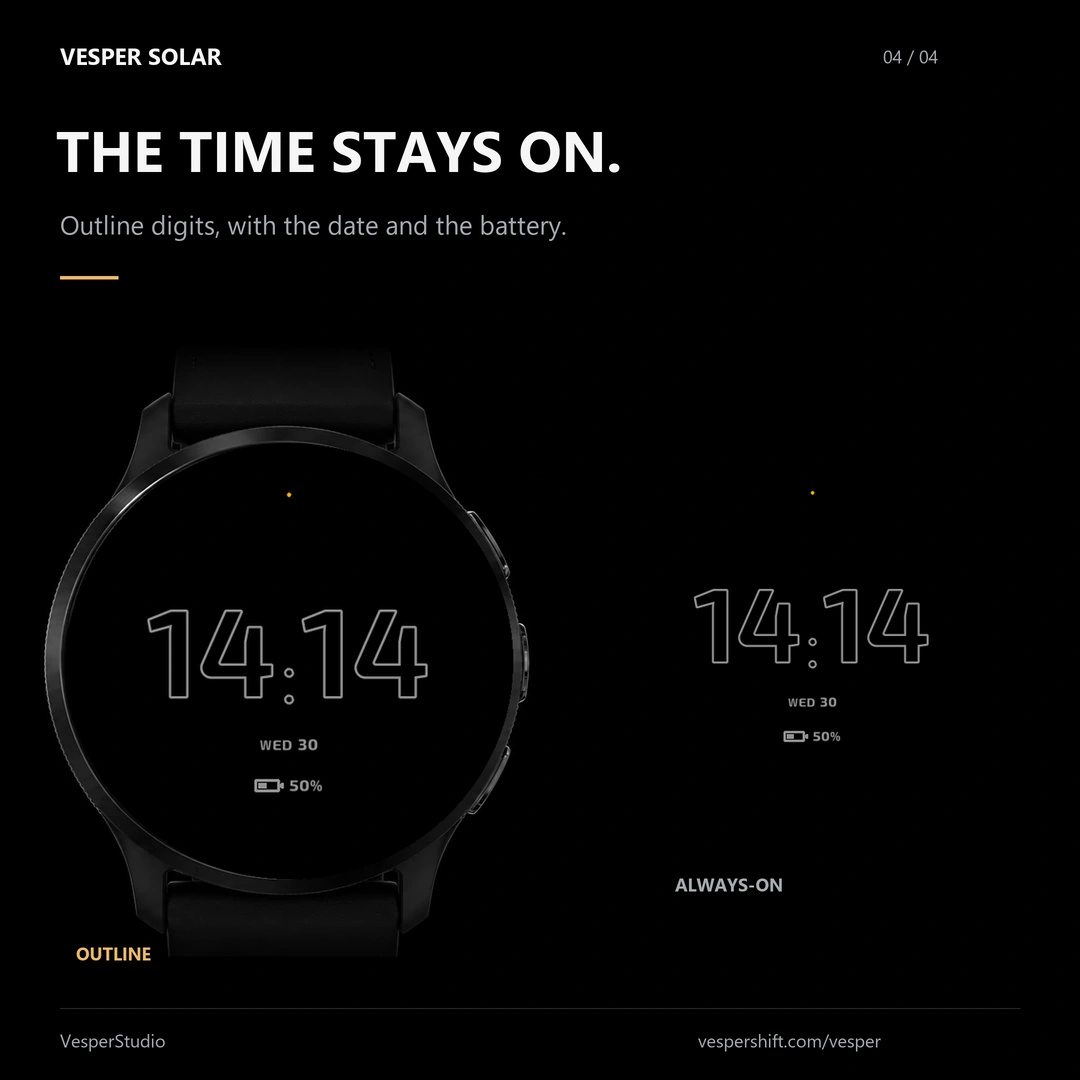
The time stays on.

In always-on, the time shows as outline digits, with the date and the battery below, and a slow anti-burn-in movement that protects the AMOLED screen. Outline is the style the free edition uses.

Outline digits · date and battery

GOOD TO KNOW

A few details.

Is Vesper Solar free?

Yes. Vesper Solar installs free from the Connect IQ Store, with no subscription.

Will it work on my watch?

Vesper Solar is made for supported round Garmin AMOLED watches. Check your exact model on the Connect IQ listing before installing.

Where are the settings?

Every setting is in the Connect IQ app. On supported watches, open Watch Face → Vesper Solar → Customize; the native menu on the watch itself shows the weather, the sun times and the heart rate.

Where does the weather come from?

The watch face uses Garmin weather data. It does not request GPS permission. Weather availability depends on the data available to your watch.

Can I display sunrise and sunset?

Yes. Turn on the sun-times option in the settings. It is off by default; current weather stays below the time.

Why is a value missing?

Weather and health data depend on what Garmin makes available on your watch. A missing value shows as a dash, never an invented reading.
VESPER SOLAR

Free on your wrist.

Get it on Connect IQ