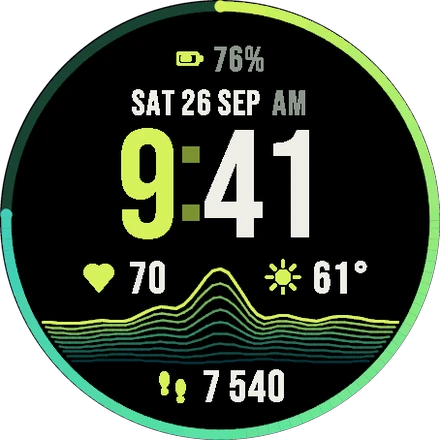
Lime
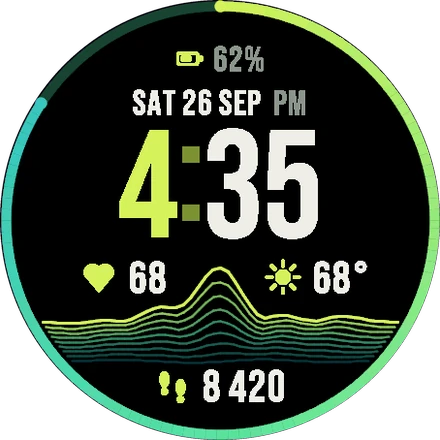
Heart rate, steps, battery and weather: place them as you like in the 4 slots.
TIME TAKES SHAPE
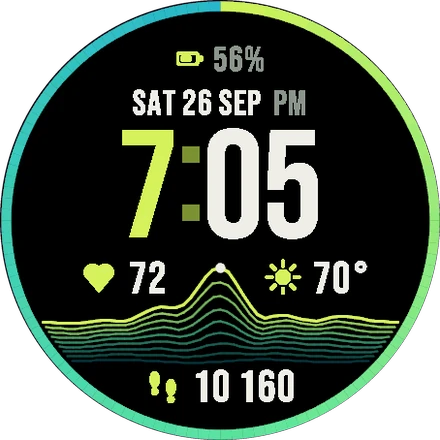
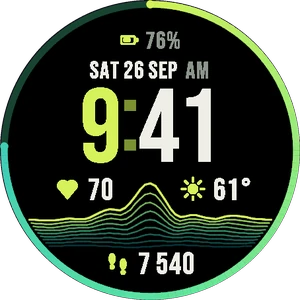
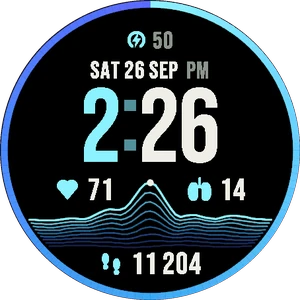
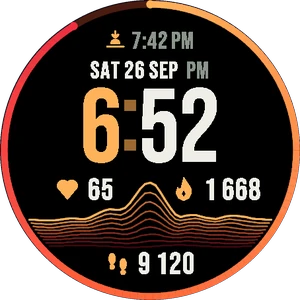
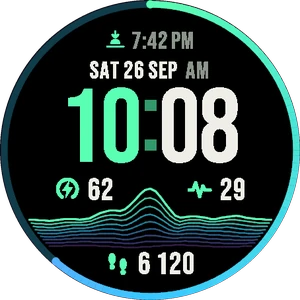
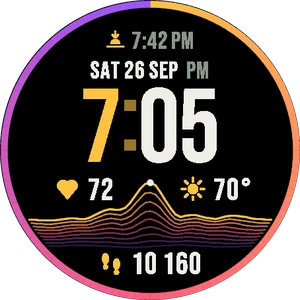
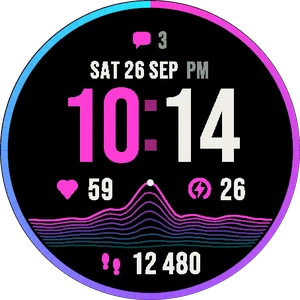
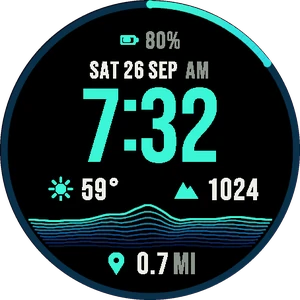
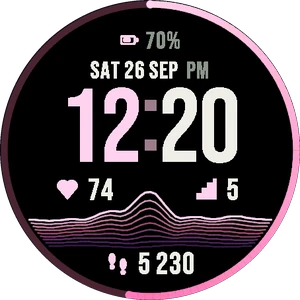
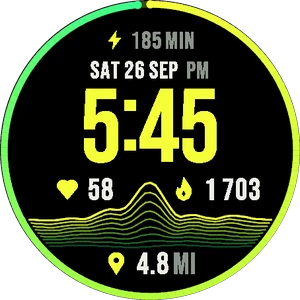
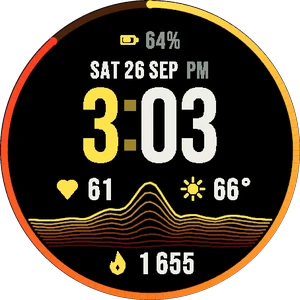
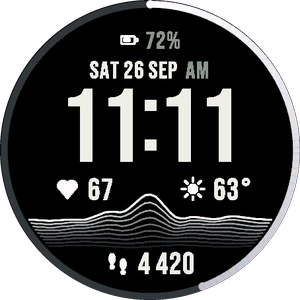
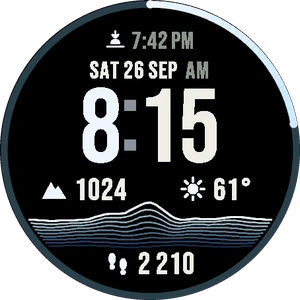
Your steps shape the mountain. A bold Garmin watch face with 3 gradient themes, your heart rate, steps, battery and weather, and its own menu on the watch.
In the Connect IQ Store
No subscription, no sign-up
IN THE CONNECT IQ STORE
Install it in one tap from the Connect IQ app.
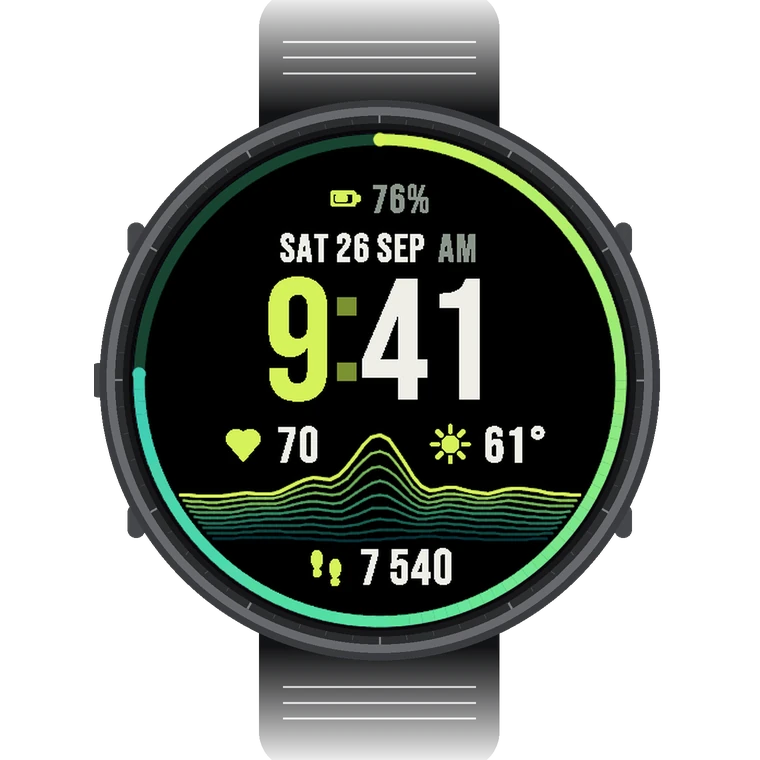
YOUR DAY, IN RELIEF
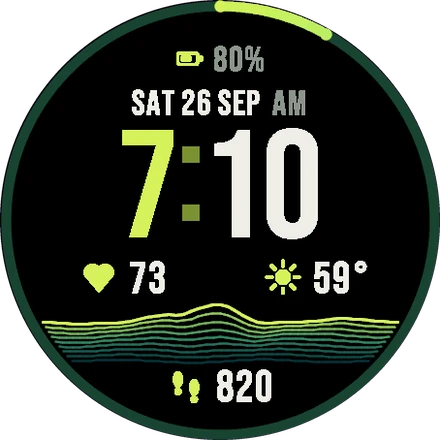
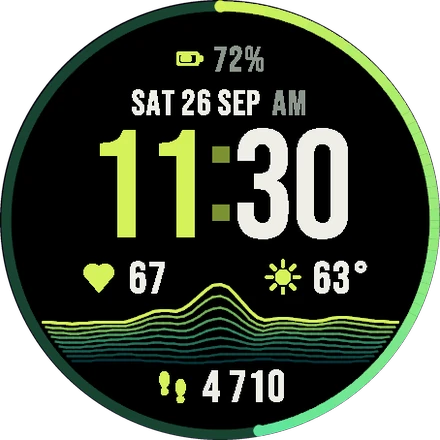
Morning: a low hill. Evening: a full mountain range, and the outer ring closes when you reach your goal.
INCLUDED
Heart rate, steps, battery and weather: place them as you like in the 4 slots.
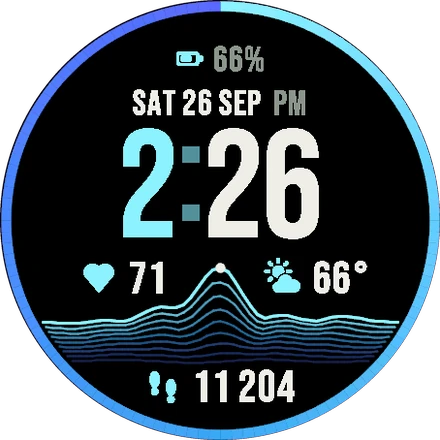
Every theme is a gradient: the ridge, the goal ring and the icons flow through it.
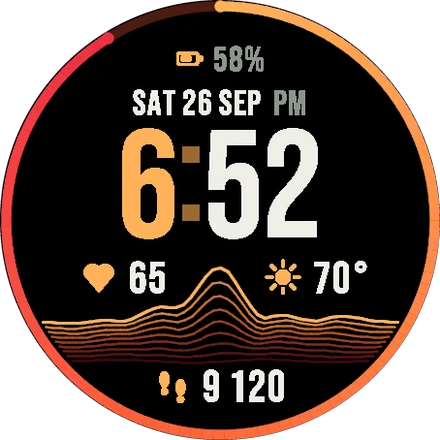
Time in White, Colour or Duo, 12 or 24 hours, and a dedicated AMOLED always-on mode.
STRATA PRO
STRATA Pro is a separate watch face in the Connect IQ Store: every colour theme, every data field (Body Battery, stress, Pulse Ox, sunrise, altitude…) and your own step goal. €5.99 once ($5.99 in the US), no subscription.
| Feature | STRATA | Pro |
|---|---|---|
| The ridge that rises with your steps, the goal ring | ✓ | ✓ |
| Gradient colour themes | 3 | 12 |
| Data fields for the 4 slots | 4 | 16 |
| Your own step goal | — | ✓ |
| Time in White, Colour or Duo | ✓ | ✓ |
| Menu on the watch, 12/24 h, units, always-on | ✓ | ✓ |
| Price | Free | €5.99 once |
ON YOUR WRIST
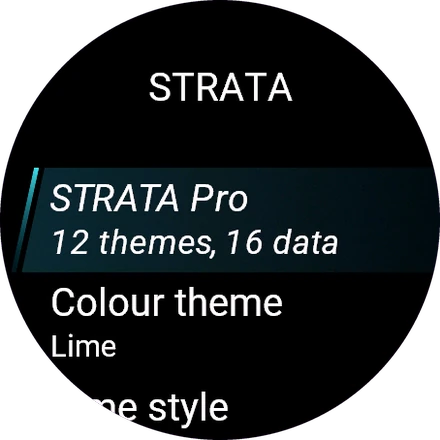
Theme, time style, the 4 data slots, hours and units, right on the watch. On recent watches, Garmin’s own editor works too.
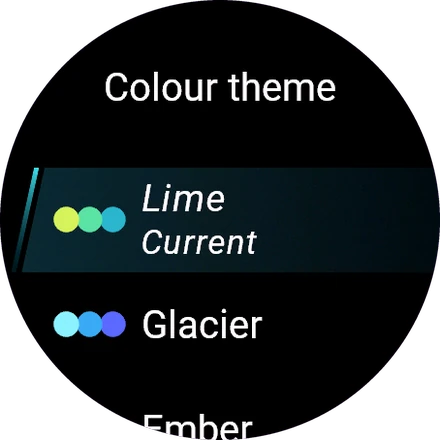
On touchscreen watches, touch and hold the time to switch to the next theme.
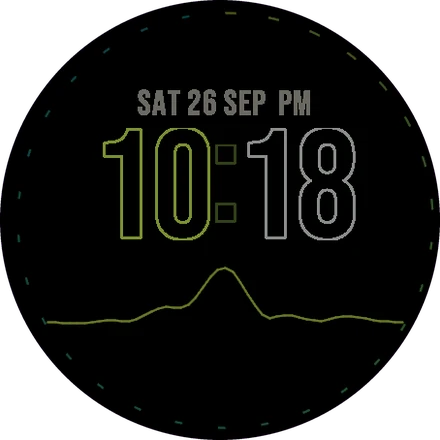
The full STRATA look, dimmed and burn-in safe. Also in the Connect IQ app: My Device > Watch Faces > STRATA.
Open STRATA in the Connect IQ app on your phone and tap Install. It installs on your watch right after.
On the watch: Watch Face > STRATA > Customize (hold UP/MENU on button models). Or in the Connect IQ app: My Device > Watch Faces > STRATA. Choices marked “Pro” need STRATA Pro.
STRATA is free: 3 themes and 4 data fields (heart rate, steps, battery, weather). STRATA Pro is a separate watch face with the 12 themes, the 16 data fields and your own step goal, for €5.99 once ($5.99 in the US).
Nothing changes for you: a watch that had STRATA before version 0.6 keeps every theme and every data field.
Forerunner, fēnix, epix, Venu, vívoactive, Instinct AMOLED, MARQ, Enduro and more: the store shows compatibility for your watch.
Everything is read on the watch and never leaves it. STRATA has no internet access.